In my recent video projects, I use modern visuals, custom graphics, and smooth transitions to make complex ideas easy to understand and keep viewers interested. I pay close attention to quality and storytelling to bring each client’s vision to life. Check out some of my latest work!
BUS 610: Identifying Market Segments & Target Customers
Video Overview
For this video, I was the audio lead, script manager, graphic designer, and editor. My goal was to help bring the faculty member’s vision to life.
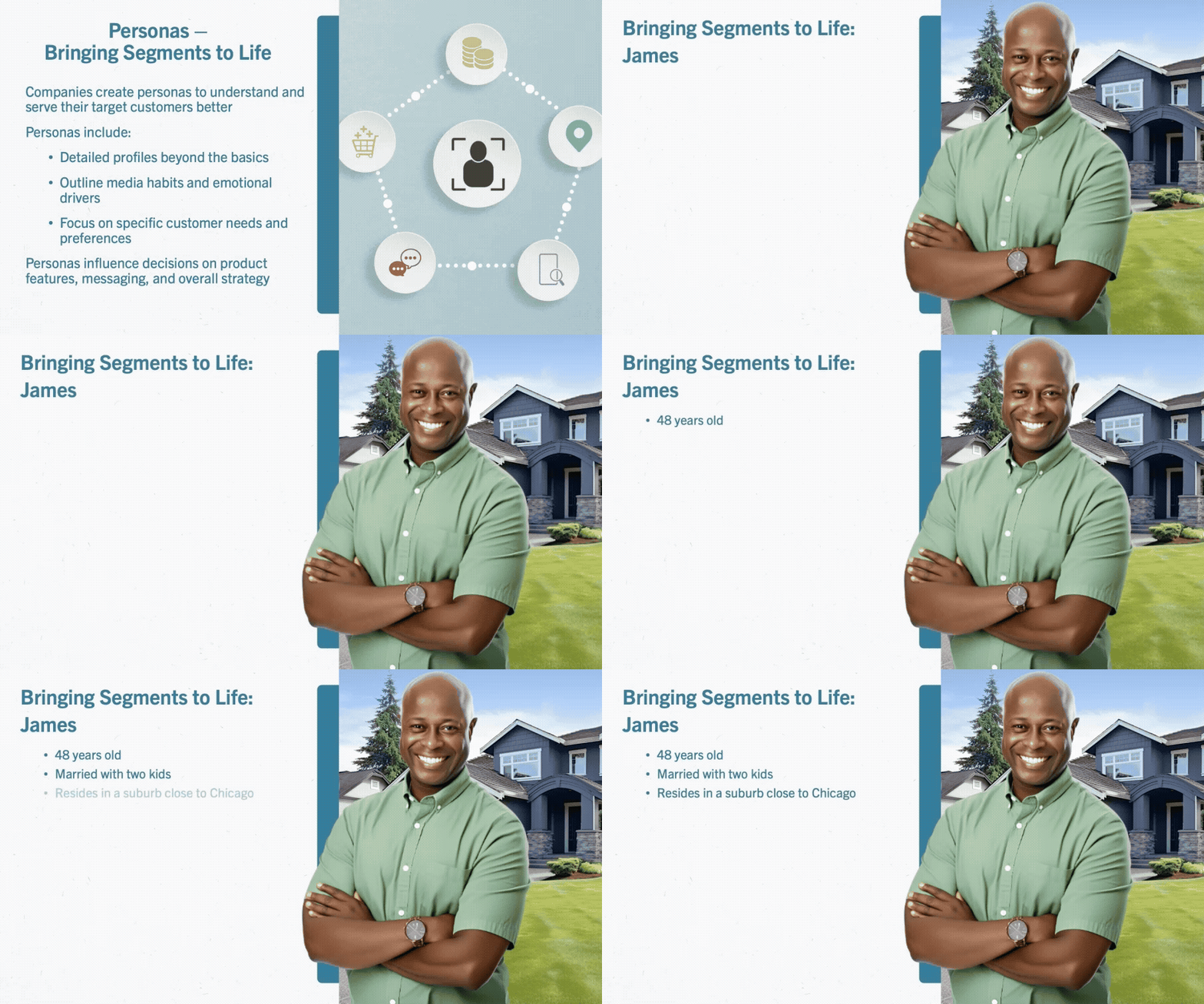
The faculty member wanted to create content for an advertising course with the polish and excitement of an Apple keynote presentation. It aims to grab your attention and share useful information through visuals and text. The video uses sharp visuals, clear storytelling, and strong production to make the content inspiring and easy to follow, helping you learn in a fresh, modern way.
Skills Gained
Key tasks included meeting the client’s visual requirements and bringing their script to life. Drawing inspiration from Apple’s announcement style, I ensured the video features high-quality visuals, smooth transitions, and a focused narrative to maintain viewer engagement. For each segment, I designed graphics that clarify complex topics through dynamic visuals and concise explanations.
During filming, I monitored the script and audio recording, ensuring the shoot followed the planned script and that the audio was clear and accurate. This role typically involves checking that the speakers deliver their lines correctly, that nothing important is missed or skipped, and that there are no audio issues such as background noise, volume inconsistencies, or technical glitches for the final edit of the video. Essentially, I acted as a quality control point during production to ensure both the content and sound met professional standards.
After the filming, I began by creating a storyboard. This is a visual outline or plan that maps out how the content would be organized and presented. This step helps ensure that the video flows logically and that each part is visually engaging.
I then designed custom graphics, visuals, and text elements tailored to the video’s needs. This included informational graphics, on-screen text, and other visual aids that clarify or emphasize key points.
During the editing phase, I focused on making transitions between slides and on-screen appearances of the Professor as smooth as possible. This careful attention to editing helps maintain a natural flow, preventing abrupt changes that could disrupt the viewer’s experience.
All of these efforts were aimed at keeping students engaged throughout the video and helping them feel connected to their professor. This is particularly important in online courses, where building rapport and maintaining attention can be more challenging than in traditional classroom settings.
Impact
Just like an Apple keynote, the tone is enthusiastic yet professional, creating a sense of excitement around the subject matter and inviting students to explore new ideas with confidence. By mirroring this polished approach, the video not only delivered information but also created an immersive experience that motivated students to keep watching and learning.
