


Below you’ll find several options to customize your video project with the OFDIT Media Team. To produce your video, we need to know:

- Visual Template: How would you like the presentation slides to look and feel?
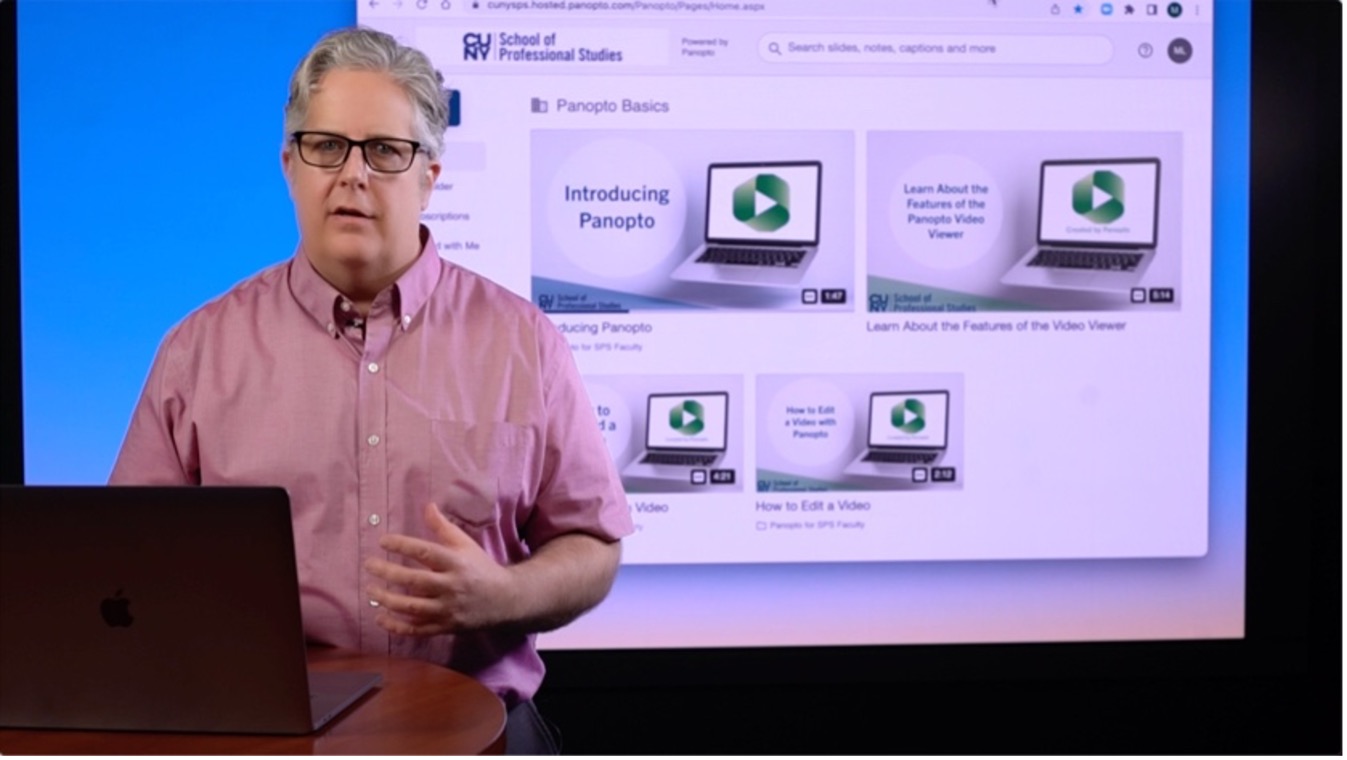
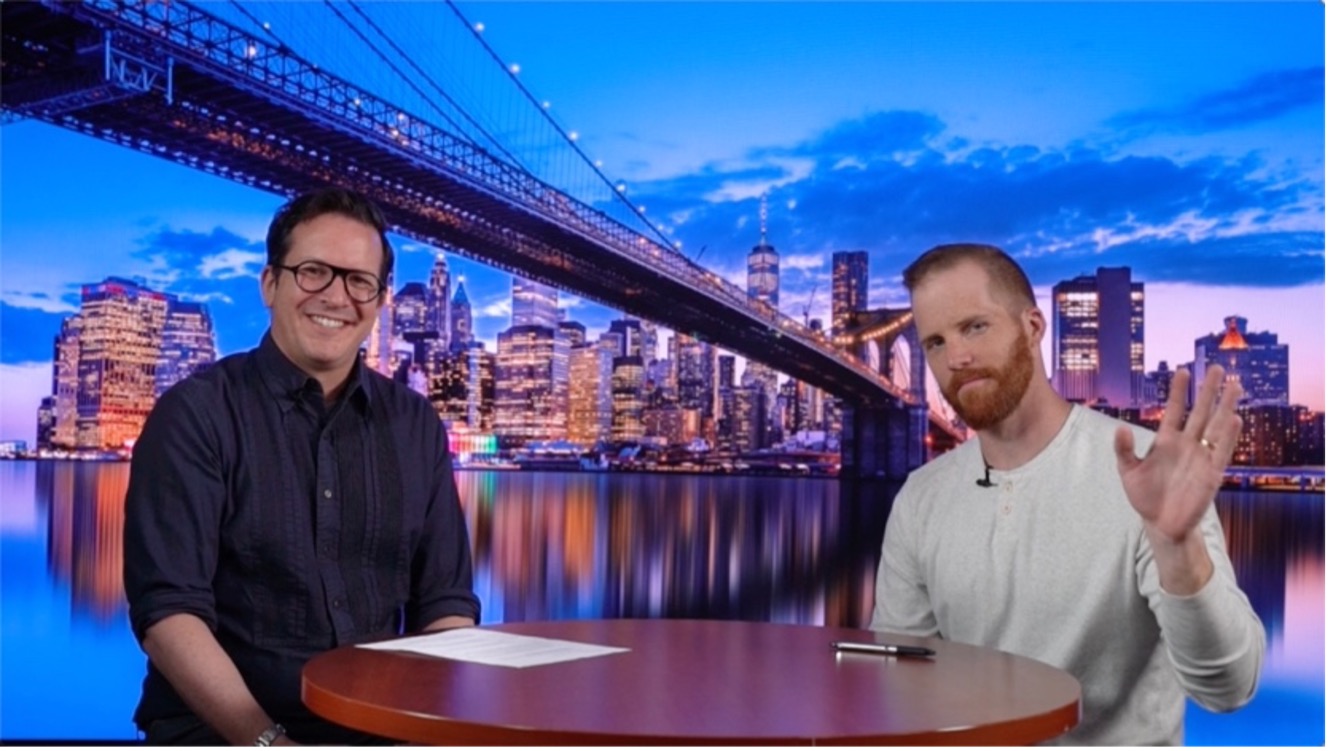
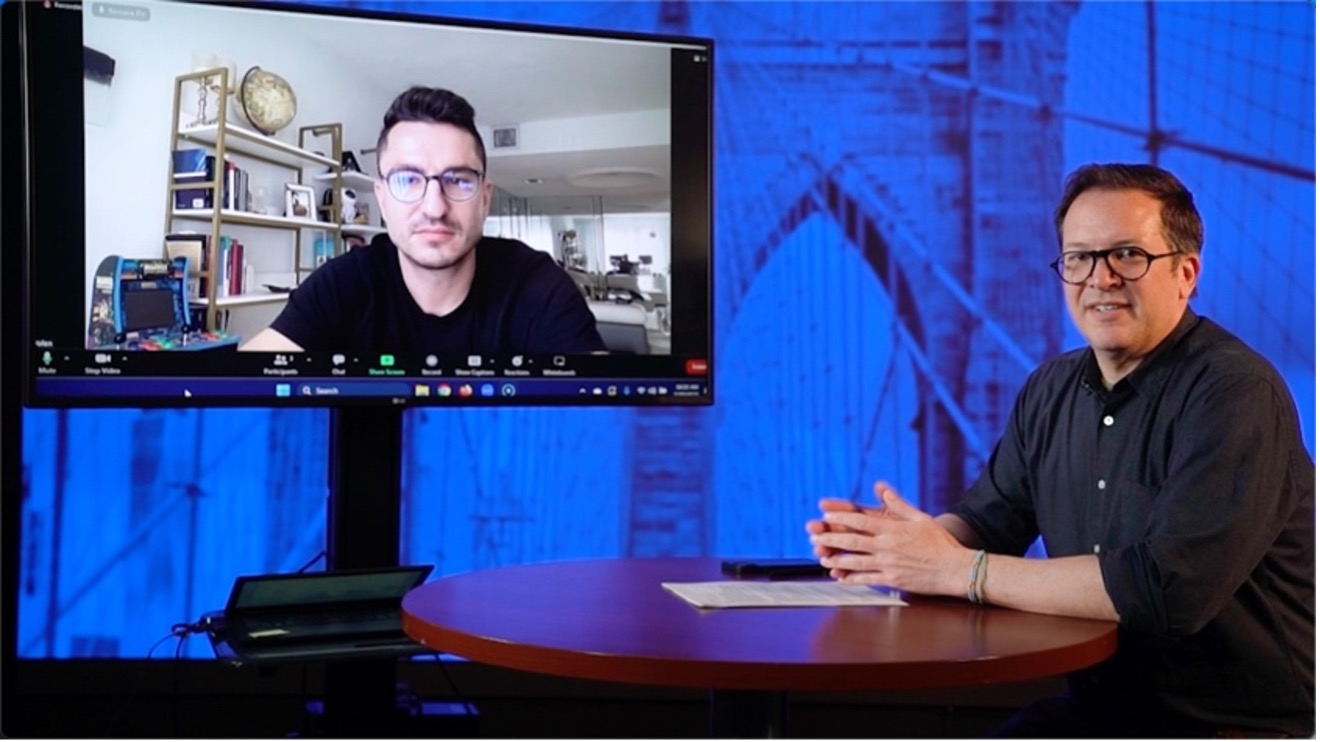
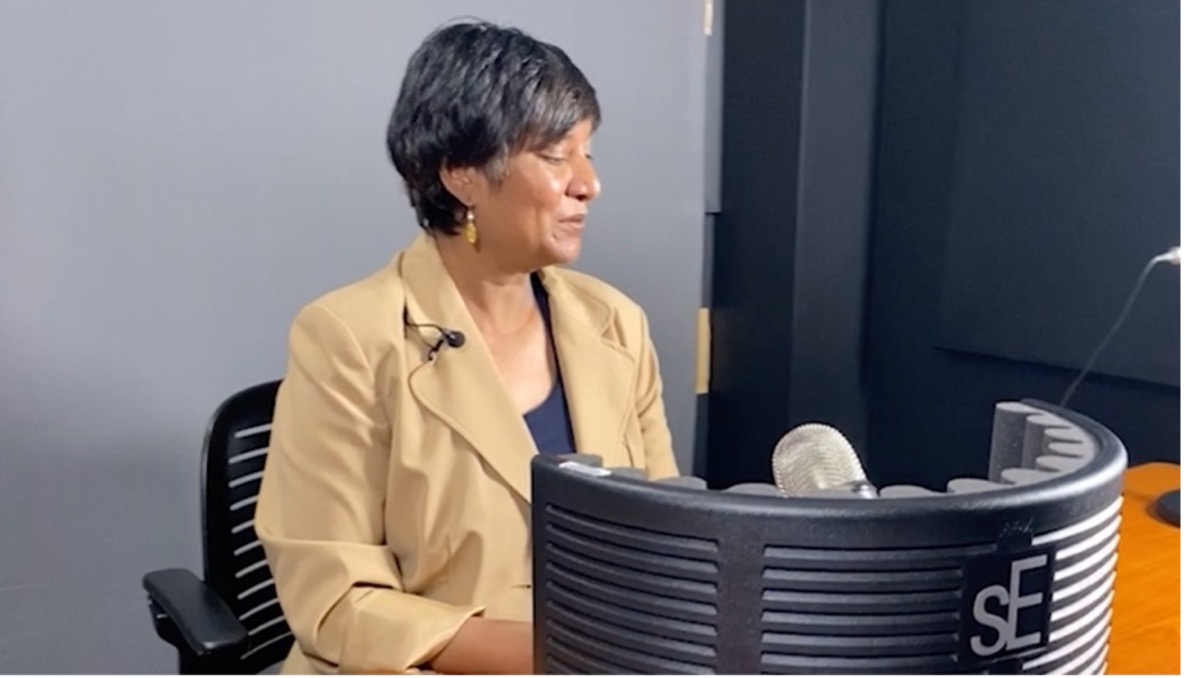
- Studio Configuration: How would you like to present: sitting, standing, at a table?
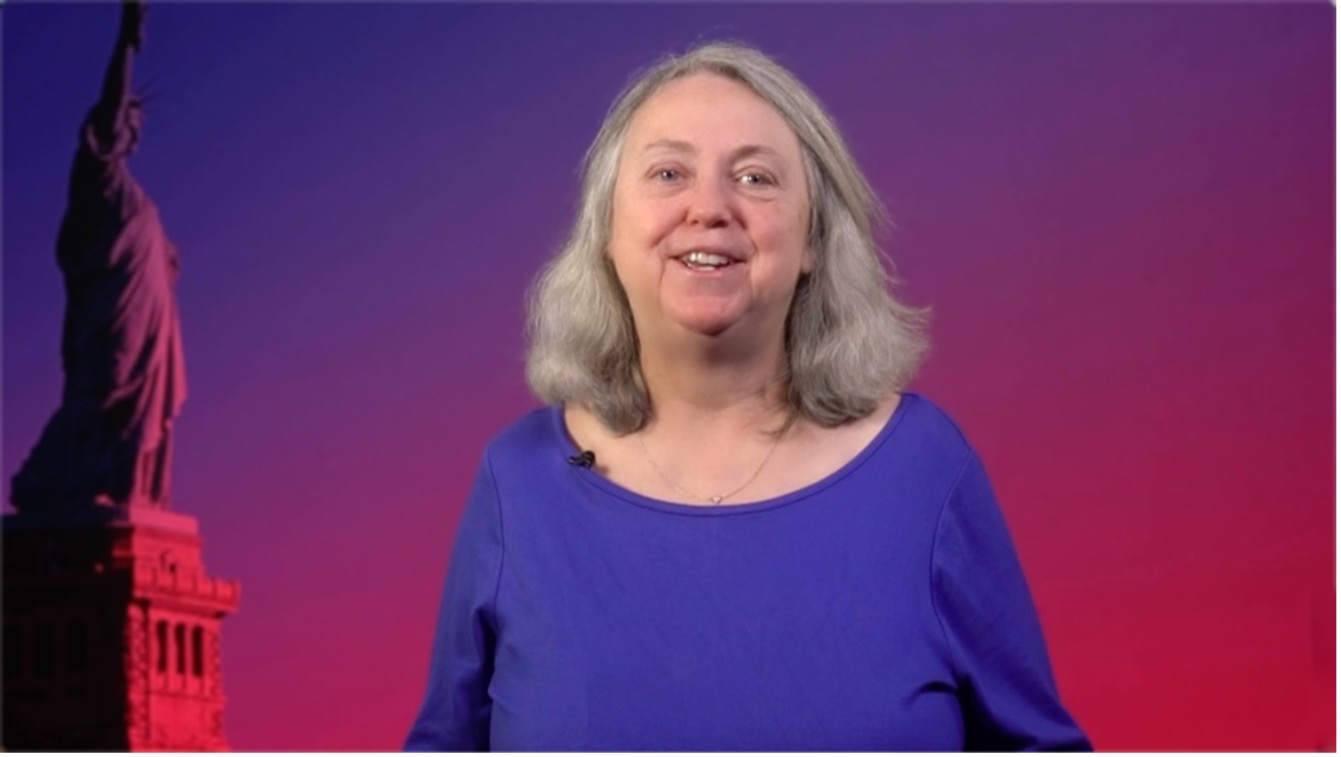
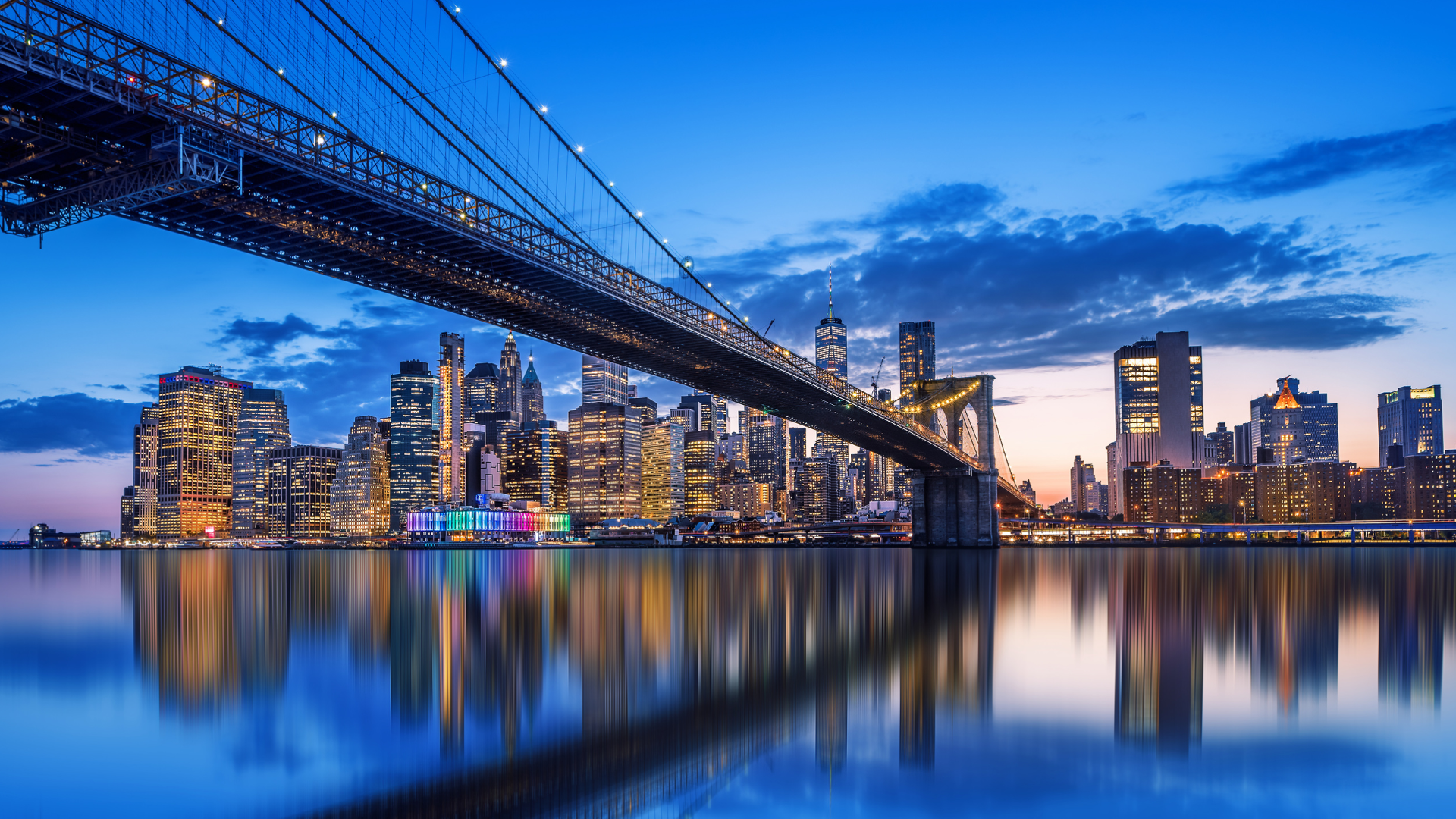
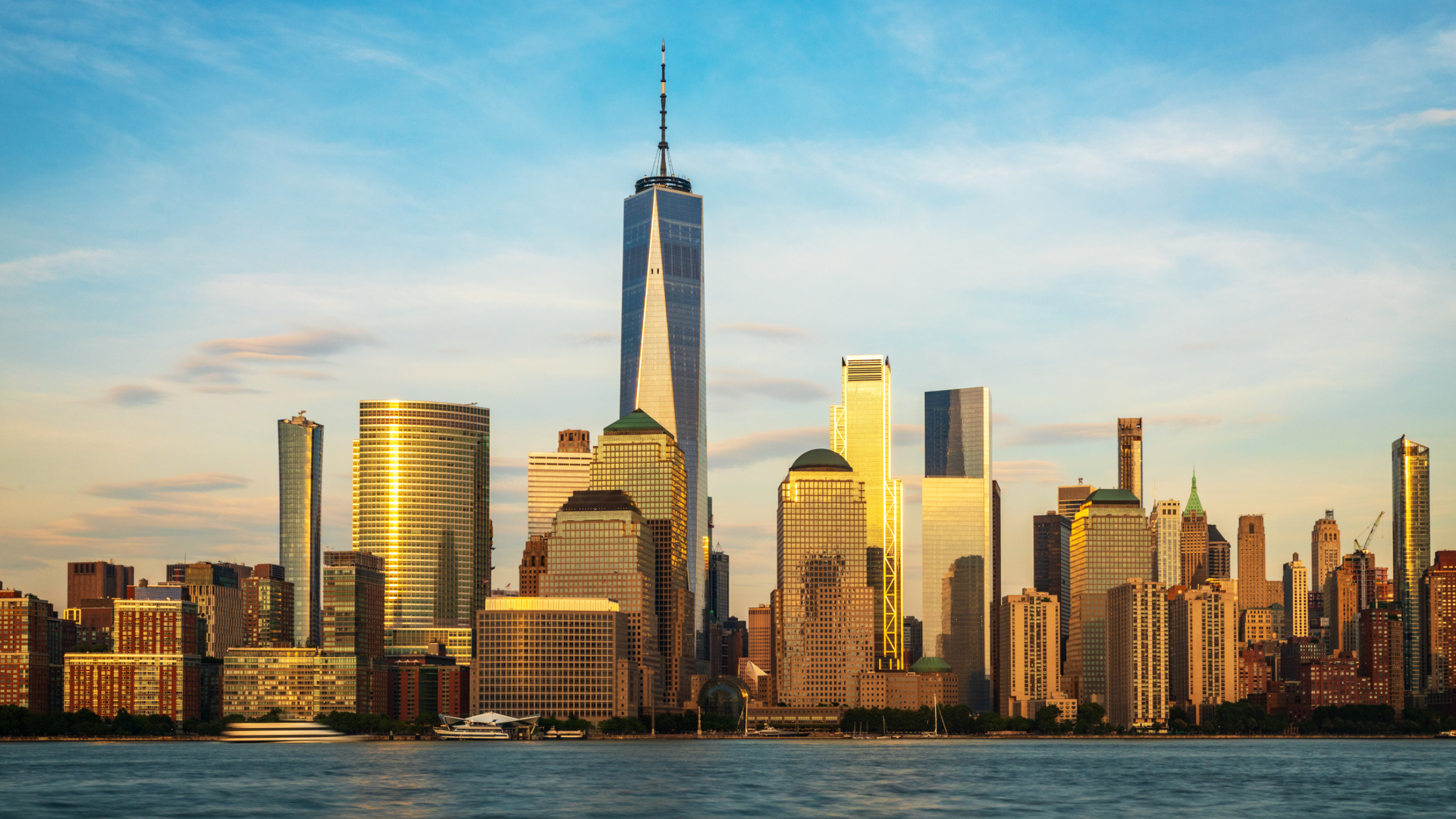
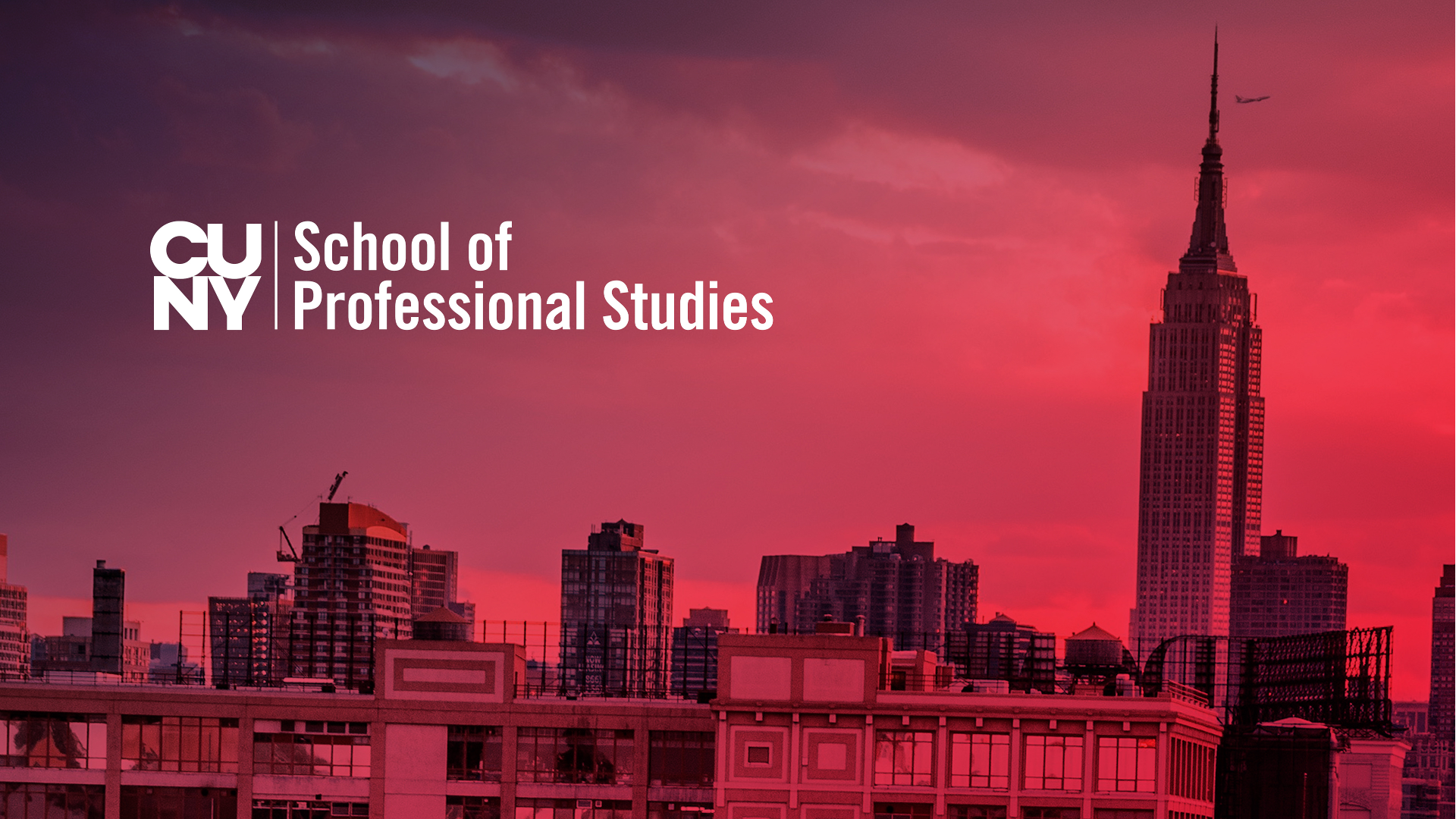
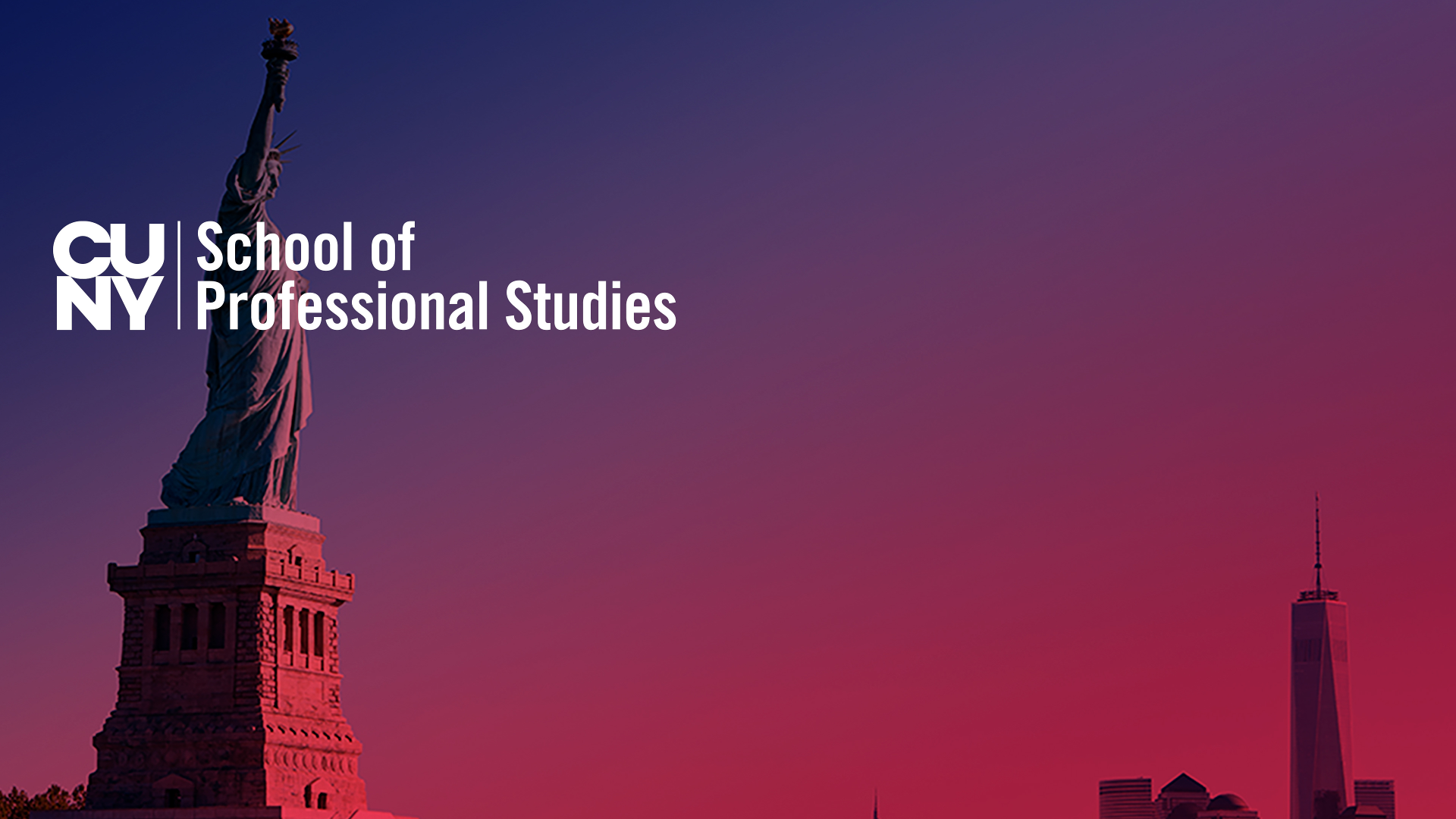
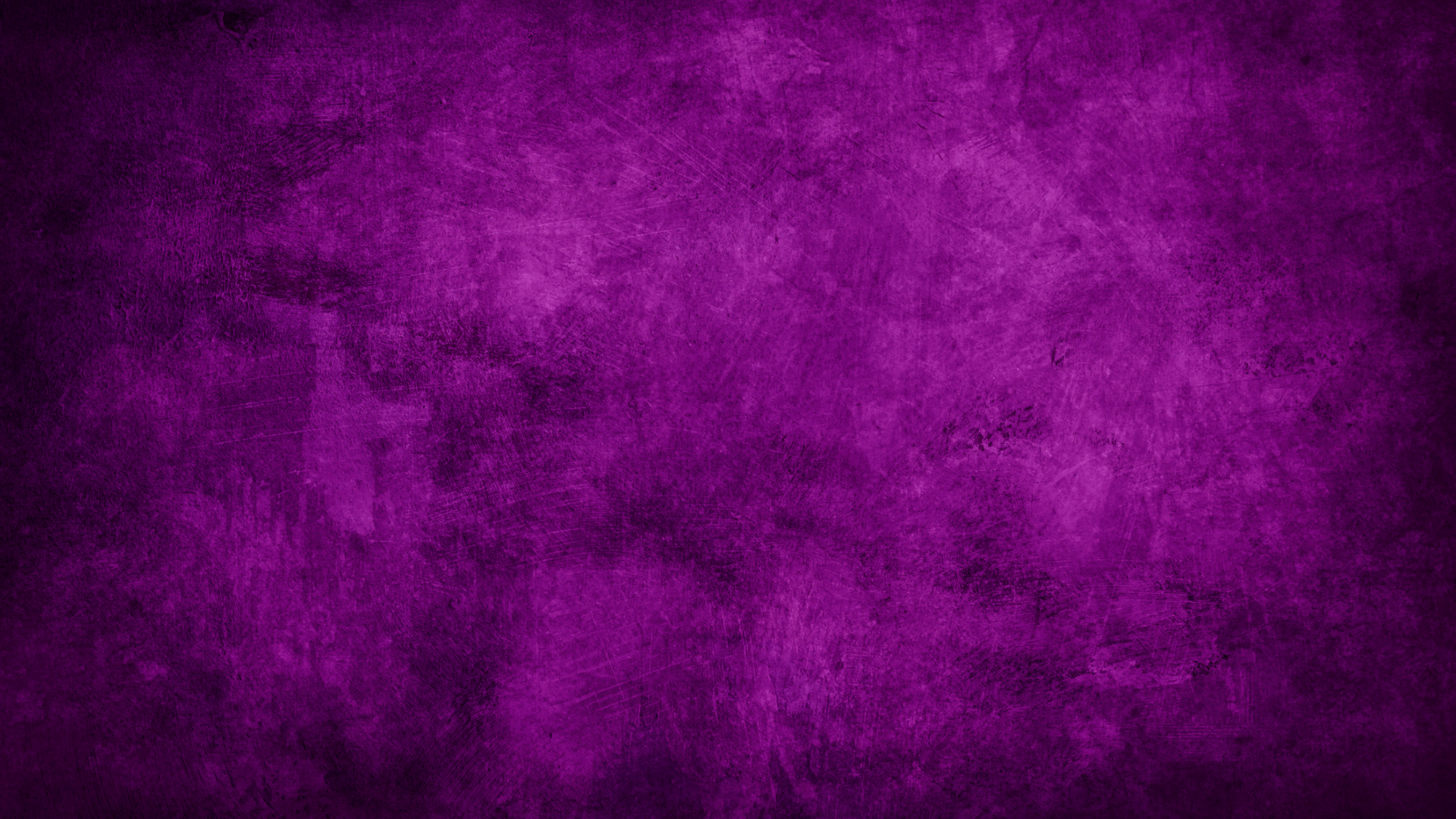
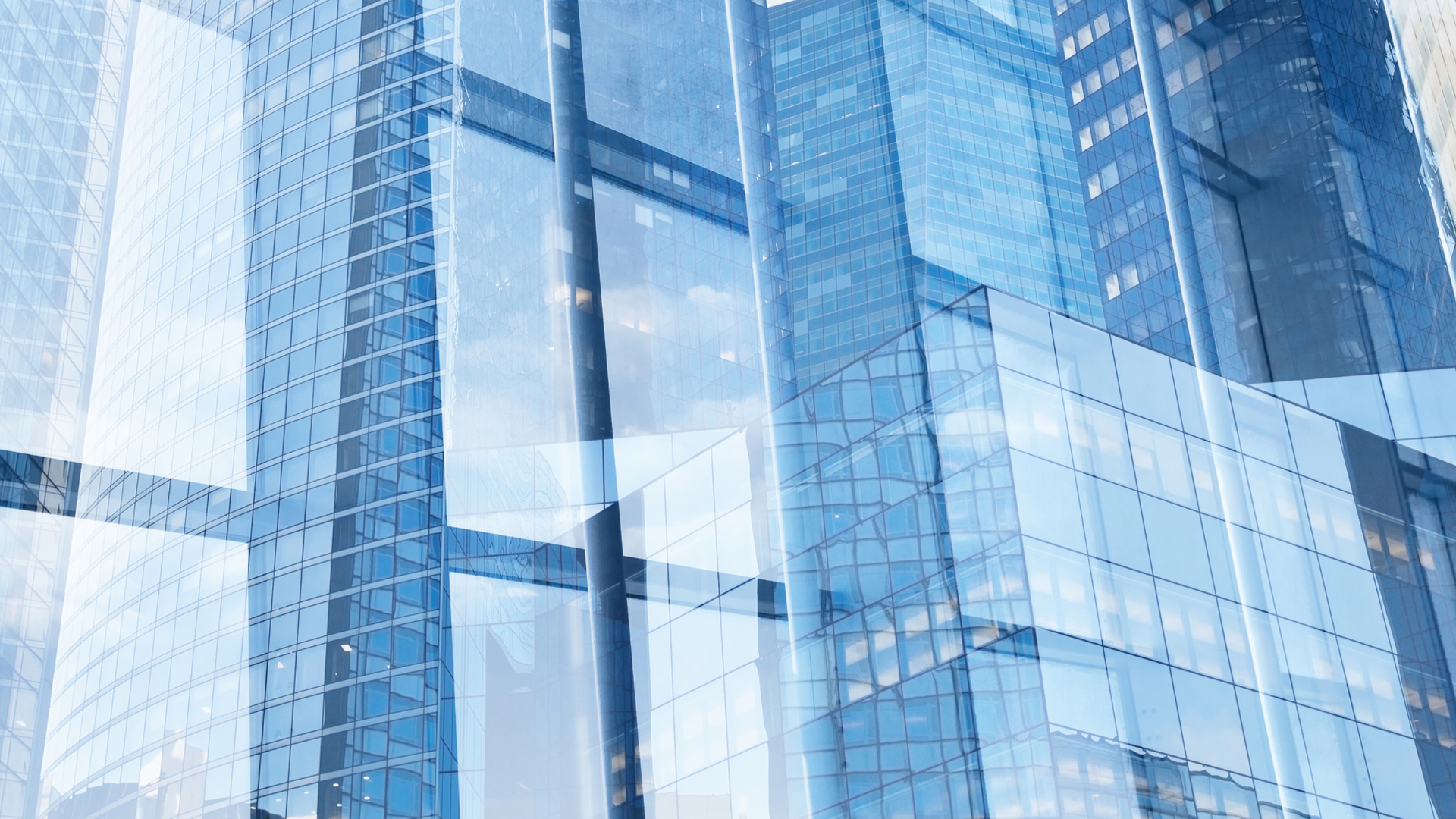
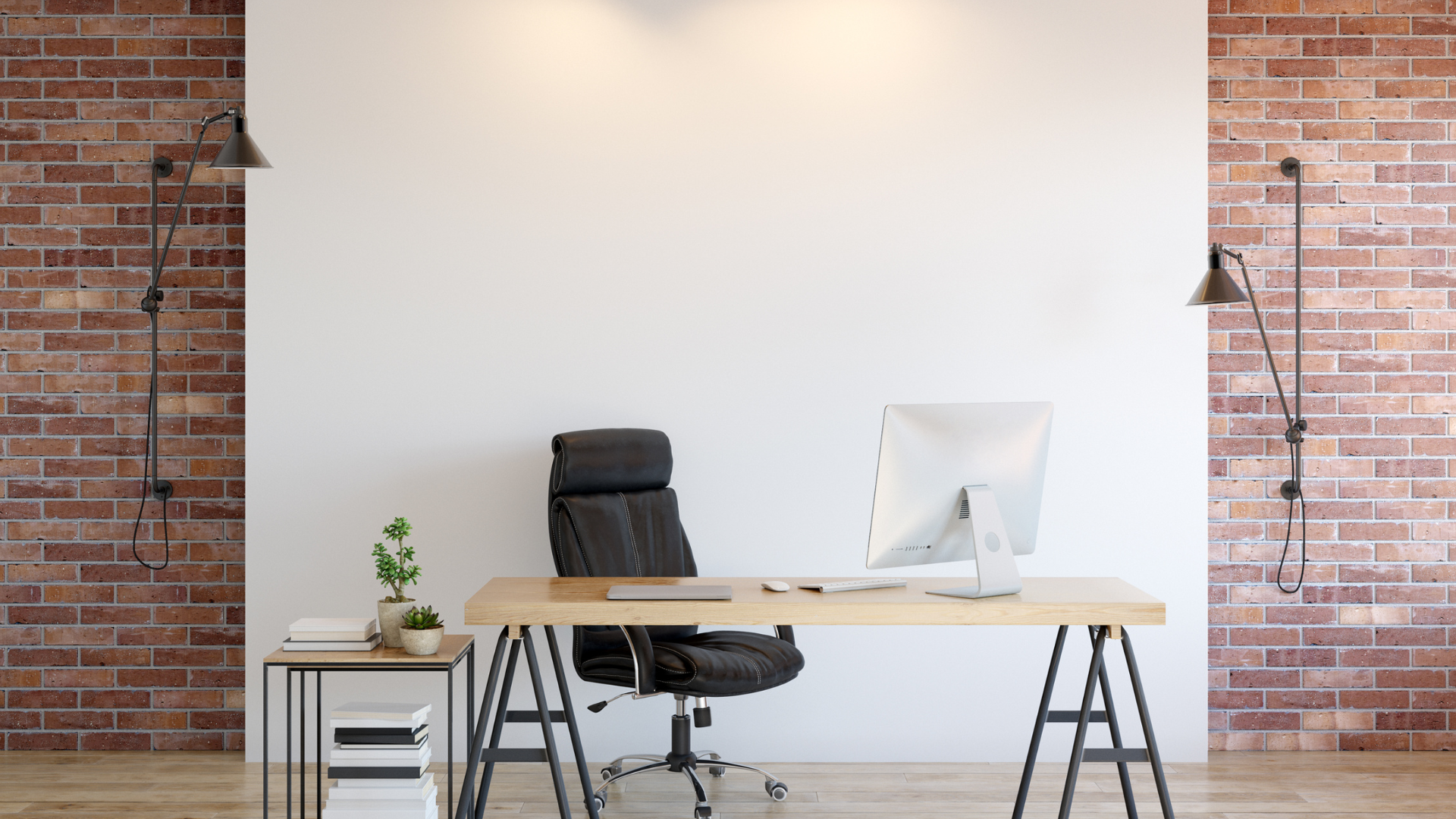
- LED Wall Background: What image would you like behind you?
Pick a Visual Template
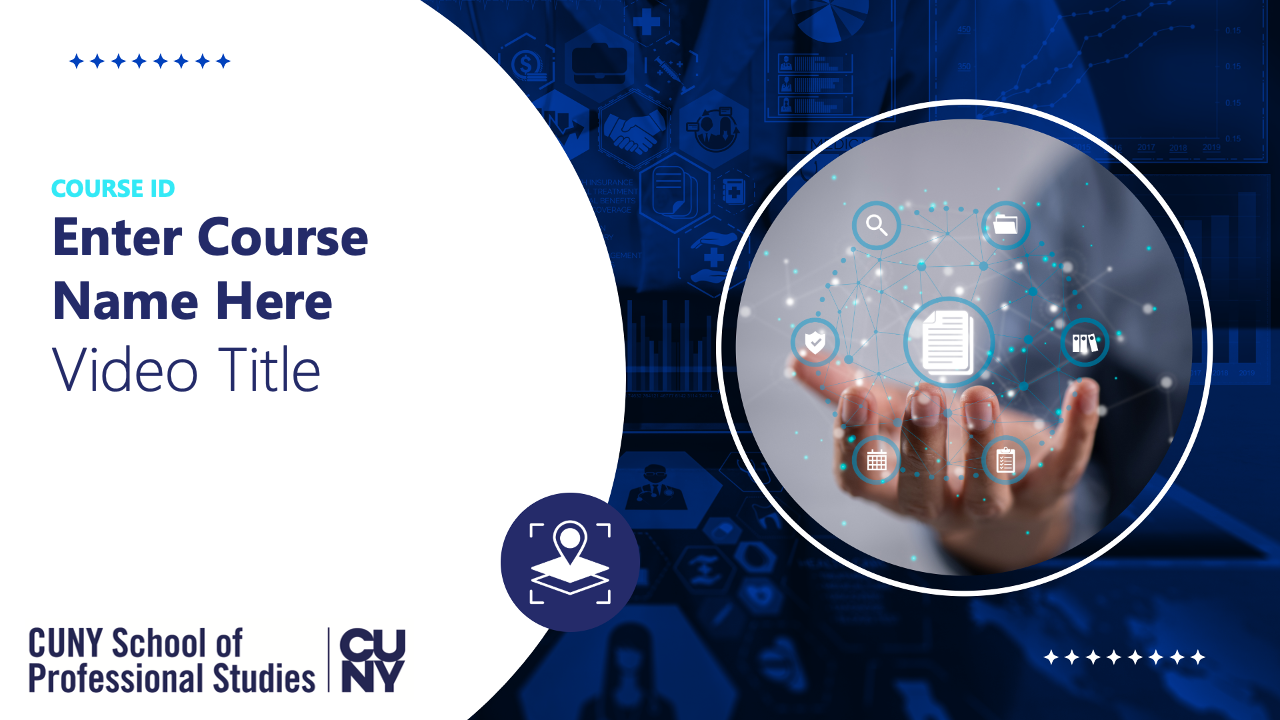
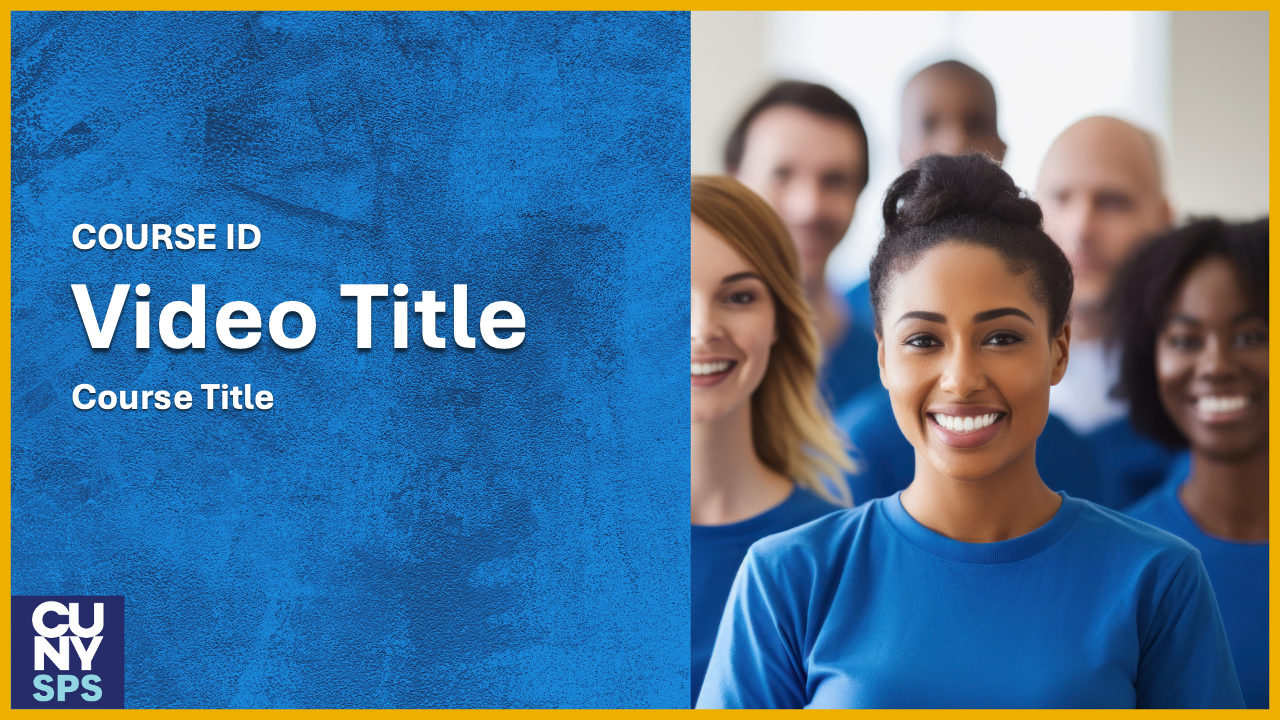
The gallery of images below are examples of slide templates for your video. Tell the Media Team the name of the template you prefer. We can create a new template for your video as well, please ask!





Select Studio Configuration
The Media Team wants you to be comfortable while you record your video. Review the studio setup options below and let the Media Team know what you prefer:
Select a Background
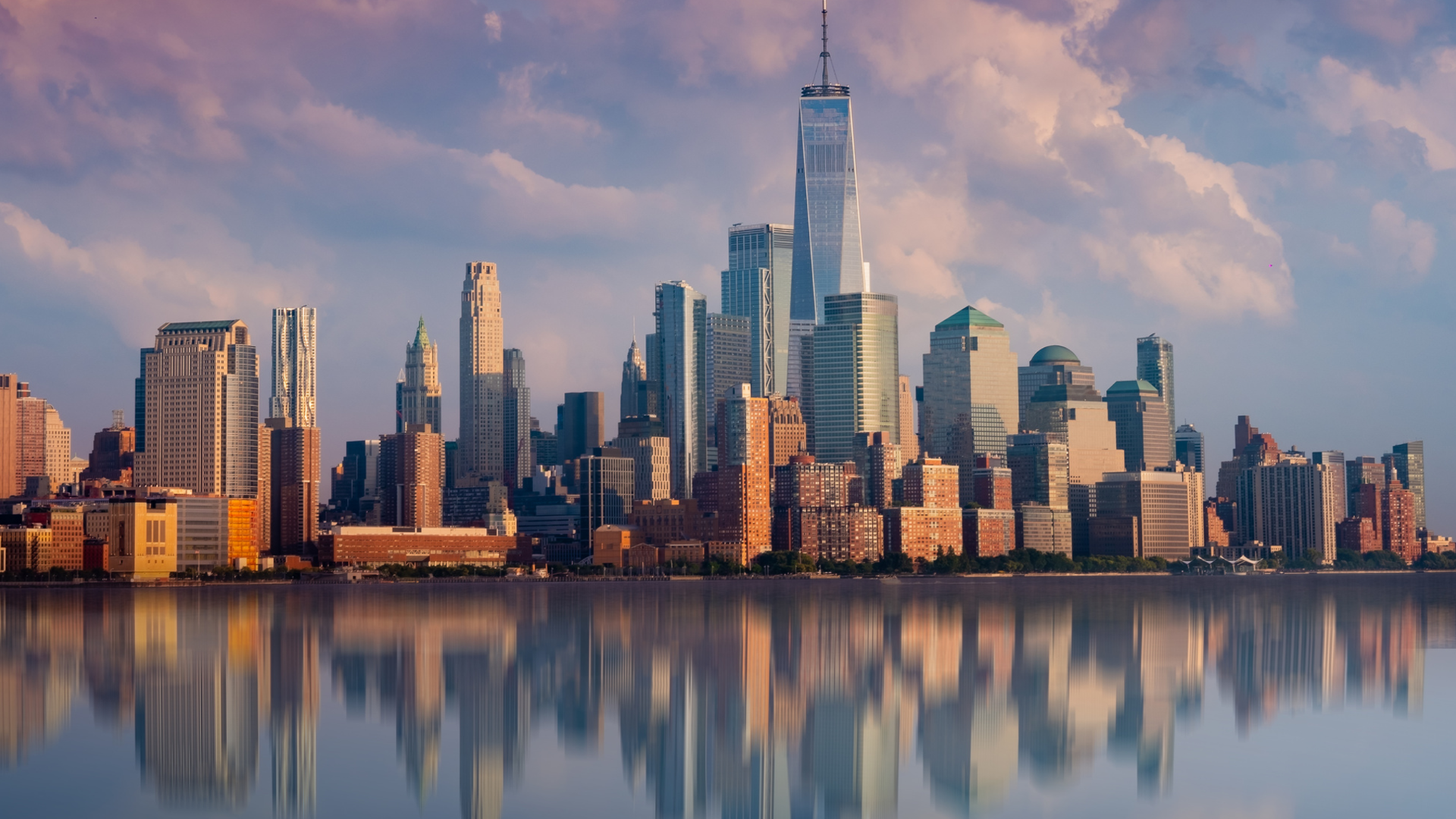
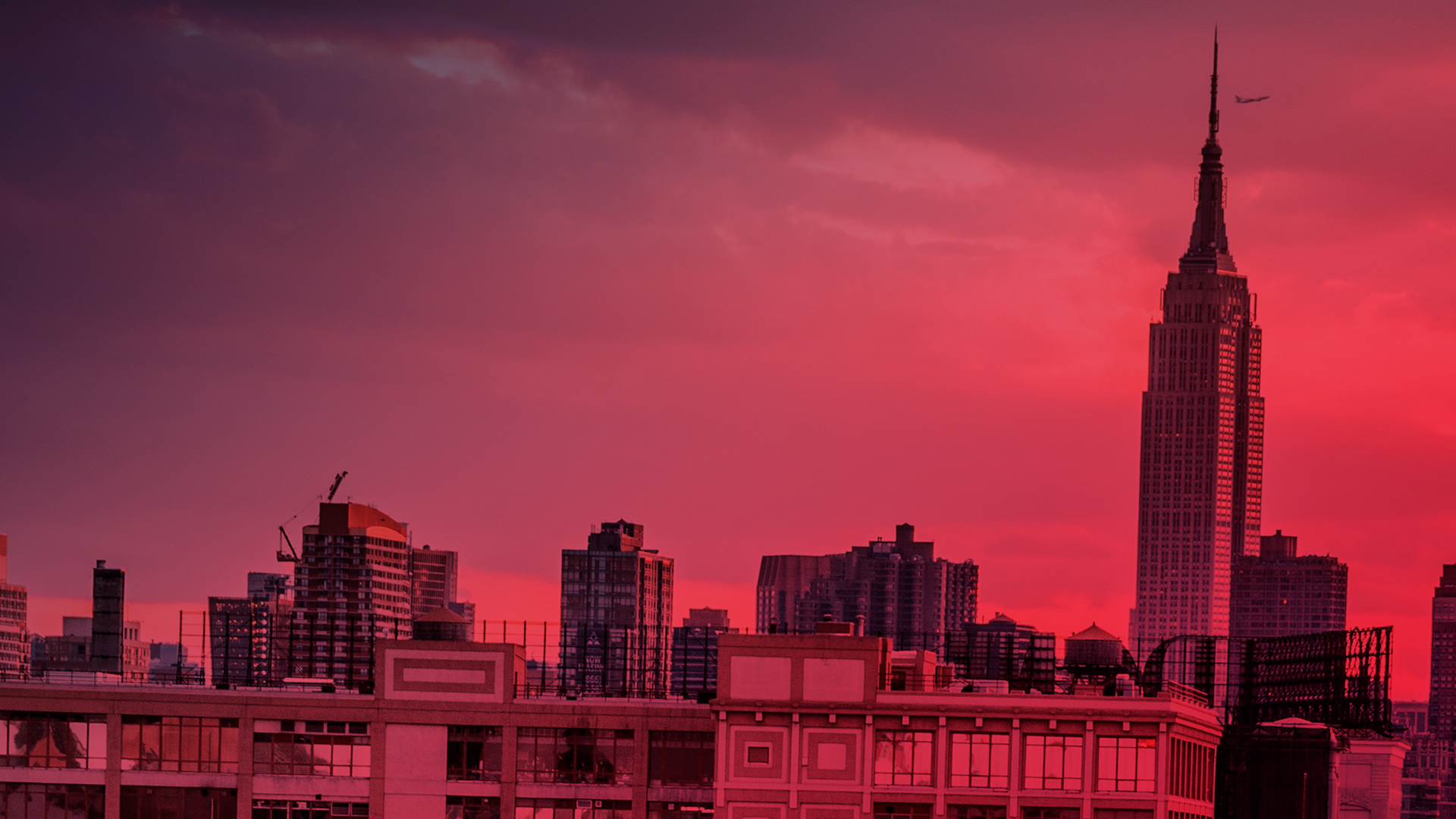
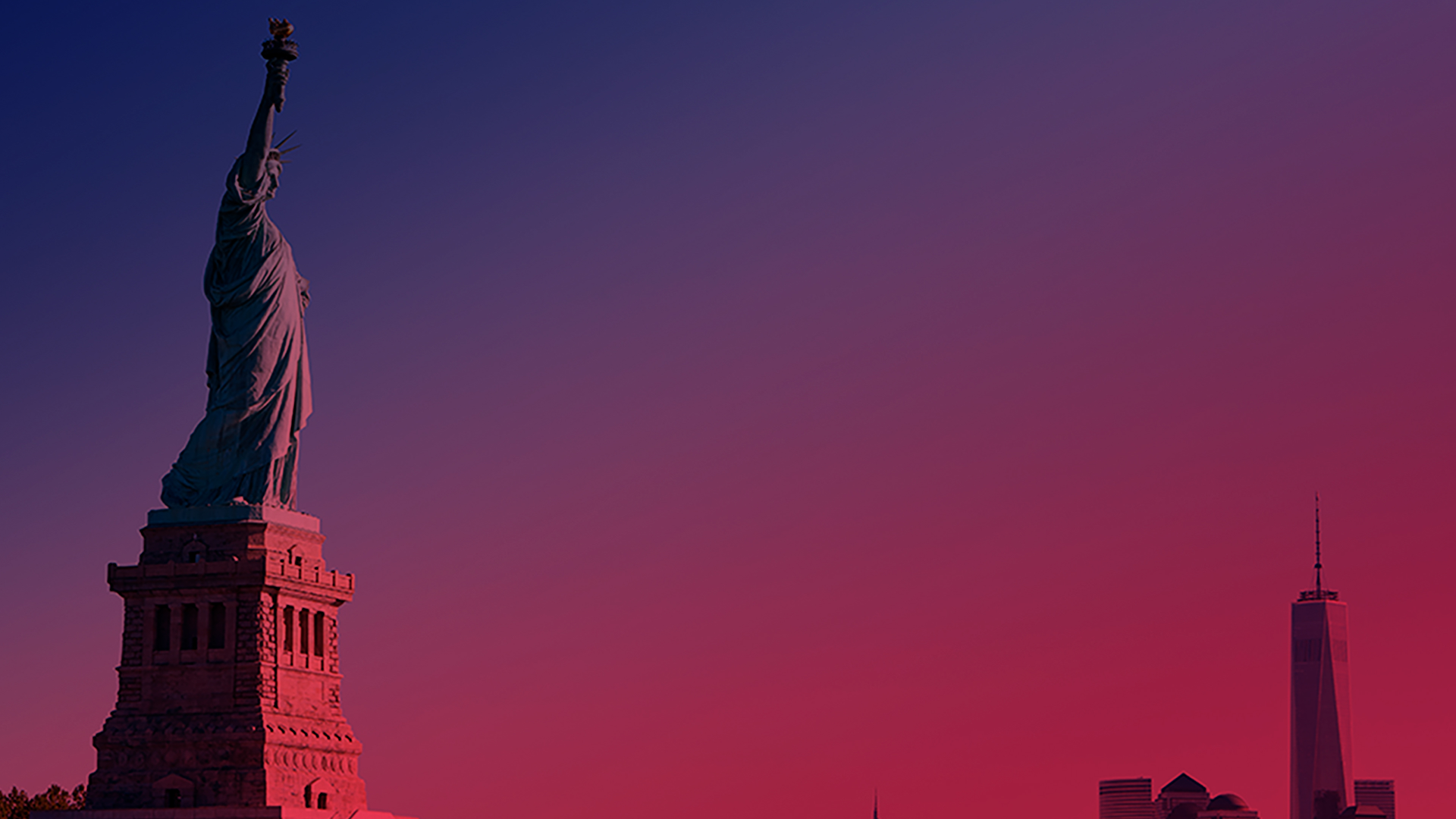
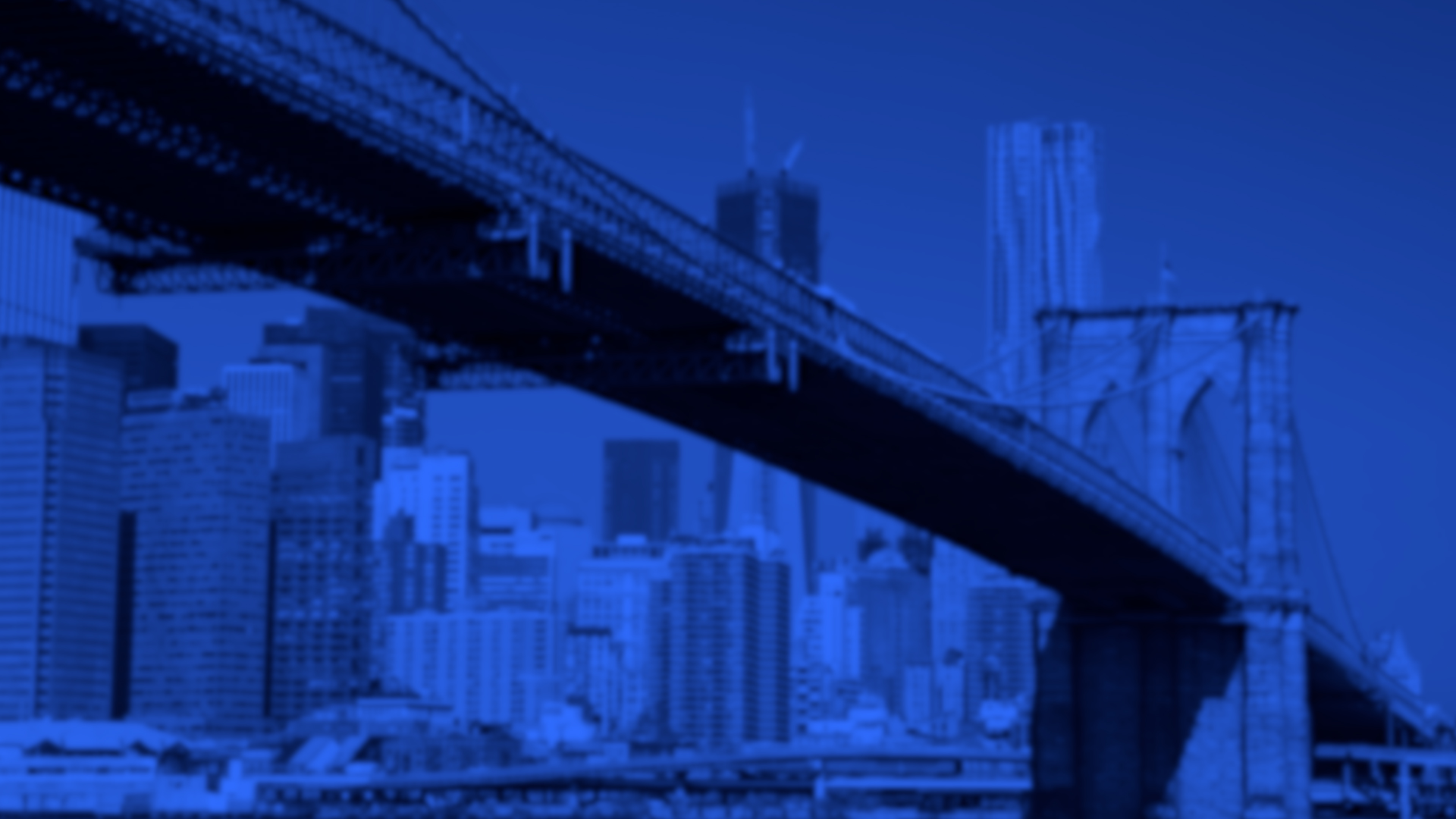
The OFDIT Media Studio contains a large LED Wall where we project an image behind you. The question is what image would you like. Below you’ll find several options:

If you don’t see one to your liking, no worries; we can provide more options to fit your vision! Additional backgrounds can also be found here: PowerPoint with Backgrounds for LED Wall (note, this is a large file).
CUNY SPS Logo/City Scape Backgrounds:






Abstract Gradient Backgrounds:









Business Themed Backgrounds:








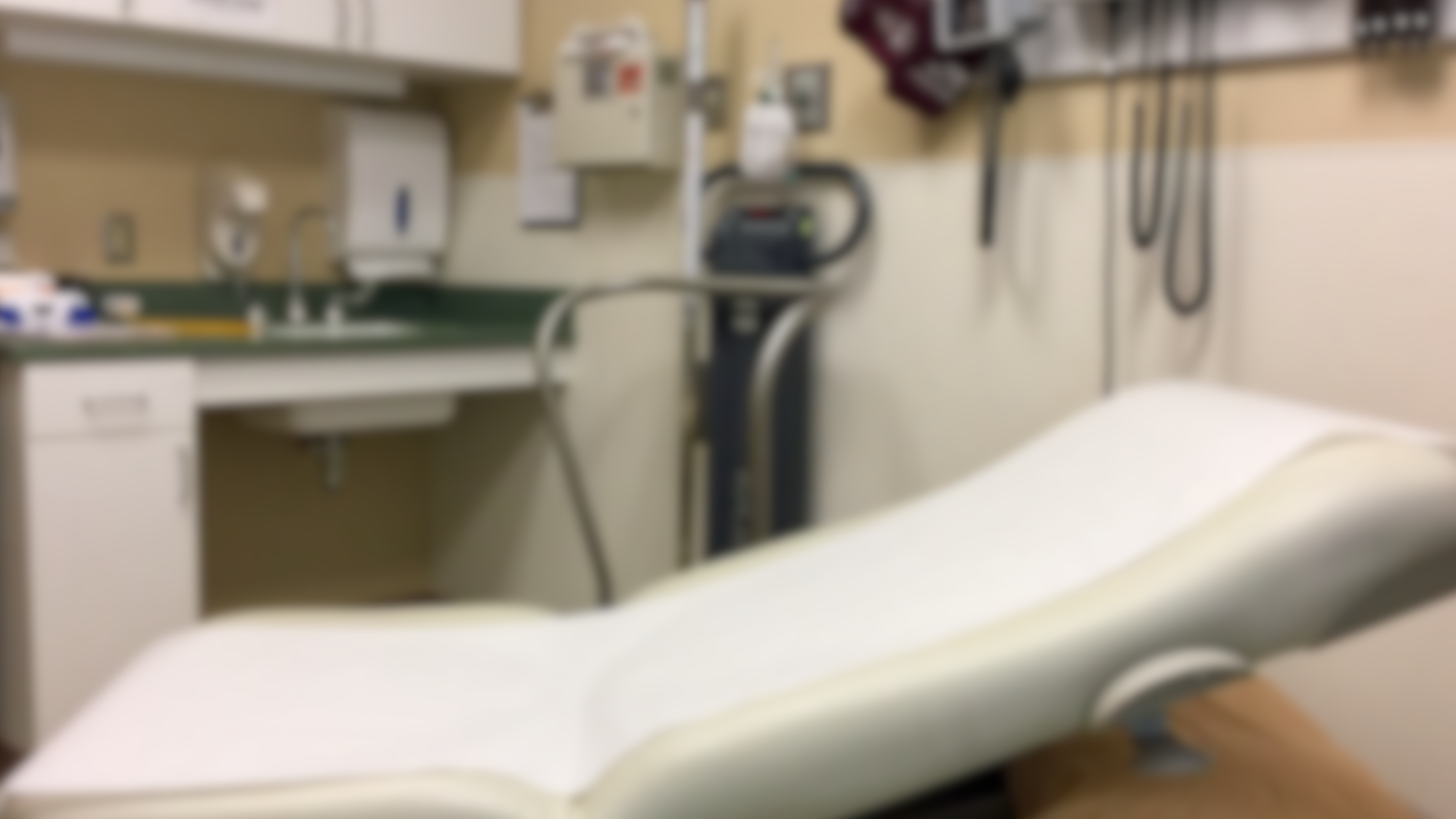
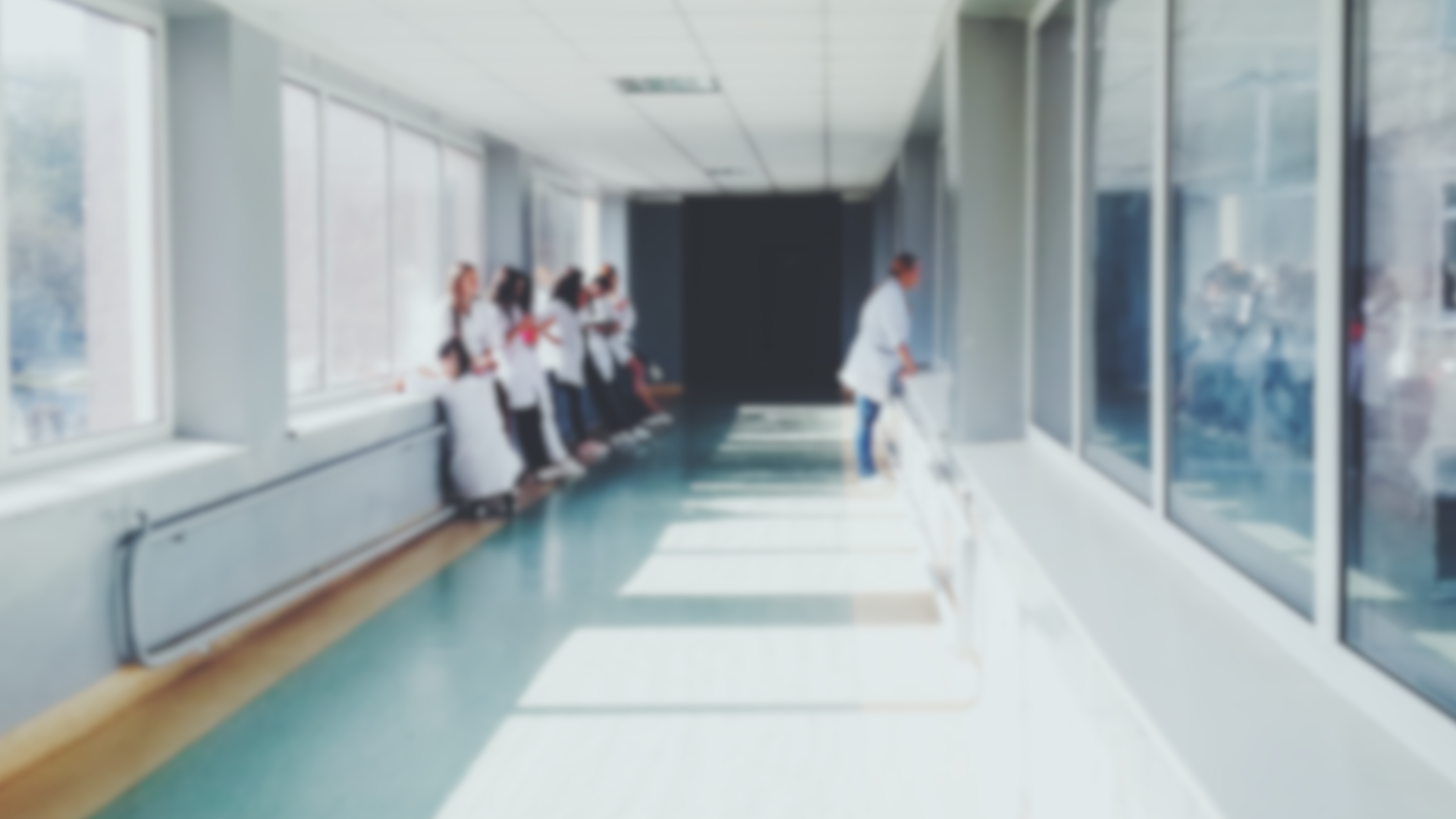
Medical Themed Backgrounds:








Spectrum/Unity Backgrounds: